
aitat.app
✦ Try-On Tattoo

Virtual Tattoo Try On for Placement Planning

aitat.app Virtual Tattoo Try On helps you explore a design on a body photo. Classic mode lets you arrange placement in your browser, while AI mode generates a placement preview from uploaded images. Both are visual planning tools for your artist discussion.

Preview Your Tattoo Placement
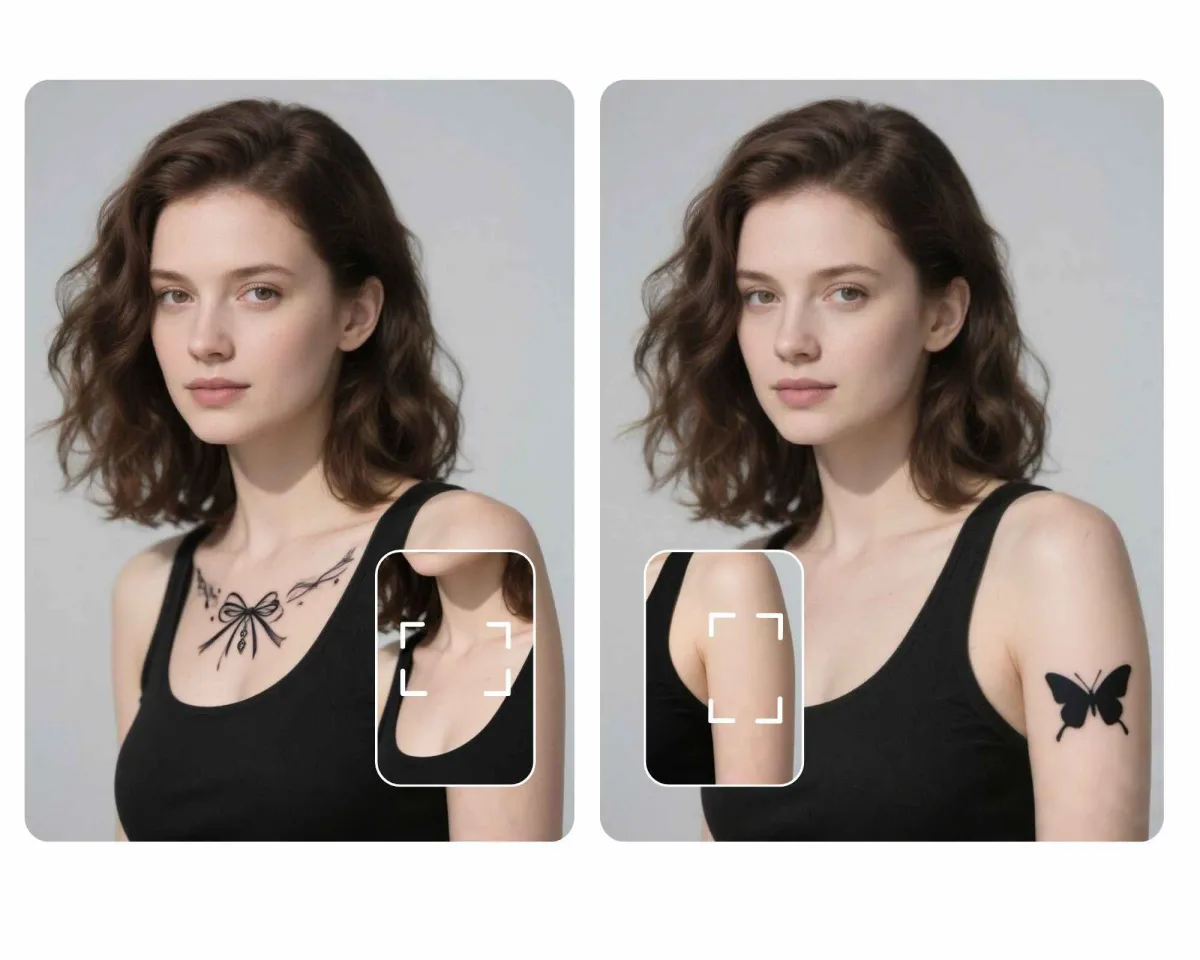
Bow and butterfly designs shown in photo-based tattoo placement previews

Which try-on mode should you use?

Use Classic mode to adjust position, size, and angle yourself without uploading the body photo. Use AI mode to explore a generated placement interpretation. Classic mode uses no credits; AI mode uses 2 credits per generated image.

What does a placement preview leave uncertain?

A body photo does not fully show how a design will sit around a moving, curved body area. The preview also does not predict healed color or line appearance. Use it to communicate a preference, then confirm placement in person with your artist.

How to use this tool

  1. Select the tattoo design and body photo you want to use.
  2. Choose Classic or AI mode and explore the placement.
  3. Compare the preview with the original design and review the location with your artist.

Check plans and credit expiry and read the privacy policy.

Questions about aitat.app

How much does virtual tattoo try-on cost?

Classic try-on uses no credits and lets you manually adjust and export a preview. AI try-on uses 2 credits per generated image and uploads images for processing.

Does try-on upload or publish my body photo?

Classic mode processes the body photo in your browser without uploading it. AI mode uploads images for processing. Results are not publicly listed by default; a result becomes viewable by link when you choose to share it.

Is this live AR or a prediction of a healed tattoo?

aitat.app uses photos rather than a live camera AR view. A placement preview helps you discuss position and composition; it does not predict application, healing, or how the design will appear as the body moves.

Continue planning your tattoo

Bring a clearer reference to your artist

Compare the details you want to keep, then discuss size, linework, and placement.

Preview Your Tattoo Placement