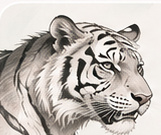
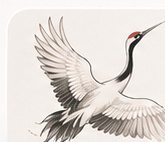
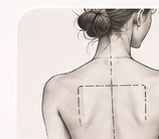
An Eastern dragon illustration beside a woman with a crane tattoo
AI powered

AI Tattoo Design, Made Quick.

Start with an idea, a name, a photo, or a design you already have. Explore tattoo tools for creating artwork, trying lettering, and comparing placement on your own photo.

Start Creating
AI generationMake it your ownPlacement preview

Start Your Tattoo Design Your Way

Whether you’re starting with an idea, a photo, or a design you already have, choose a tool to take your next step.

What Can You Do with aitat.app?

AI Tattoo Generator

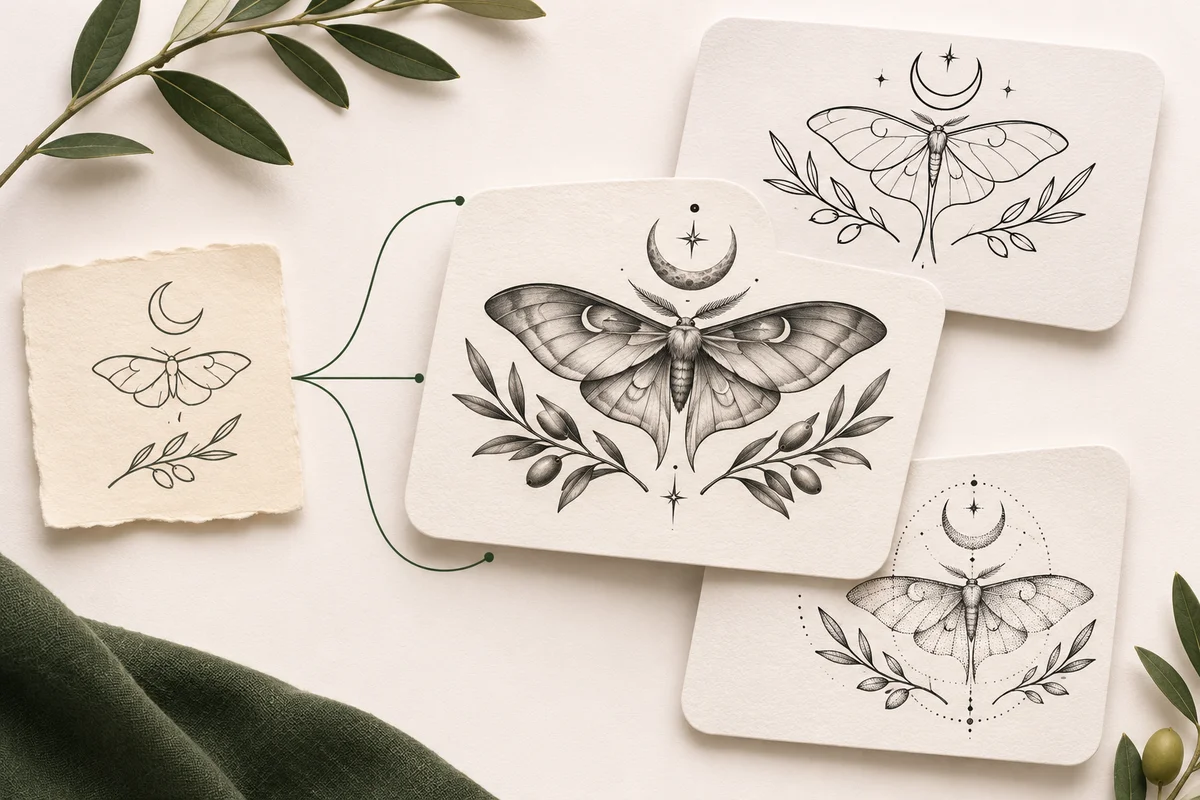
Describe the tattoo you have in mind, including its subject, meaning, and preferred style. The AI Tattoo Generator turns your description into a visual concept. Compare different directions, then use Remix to develop a design you would like to discuss with your artist.

  • Create tattoo concepts from text
  • Explore different styles and compositions
  • Refine a generated design with Remix
A lunar moth idea developed into three tattoo concept styles
AI-generated concept illustration; results will vary.

Virtual Tattoo Try-On

Explore where a design could sit on your body with Virtual Tattoo Try-On. Use Classic mode to move, resize, and rotate a tattoo on your photo, or adjust its opacity. You can also choose AI mode to generate a placement preview before discussing your options with an artist.

  • Compare placement on your own body photo
  • Adjust size, angle, and opacity in Classic mode
  • Choose Classic or AI previews
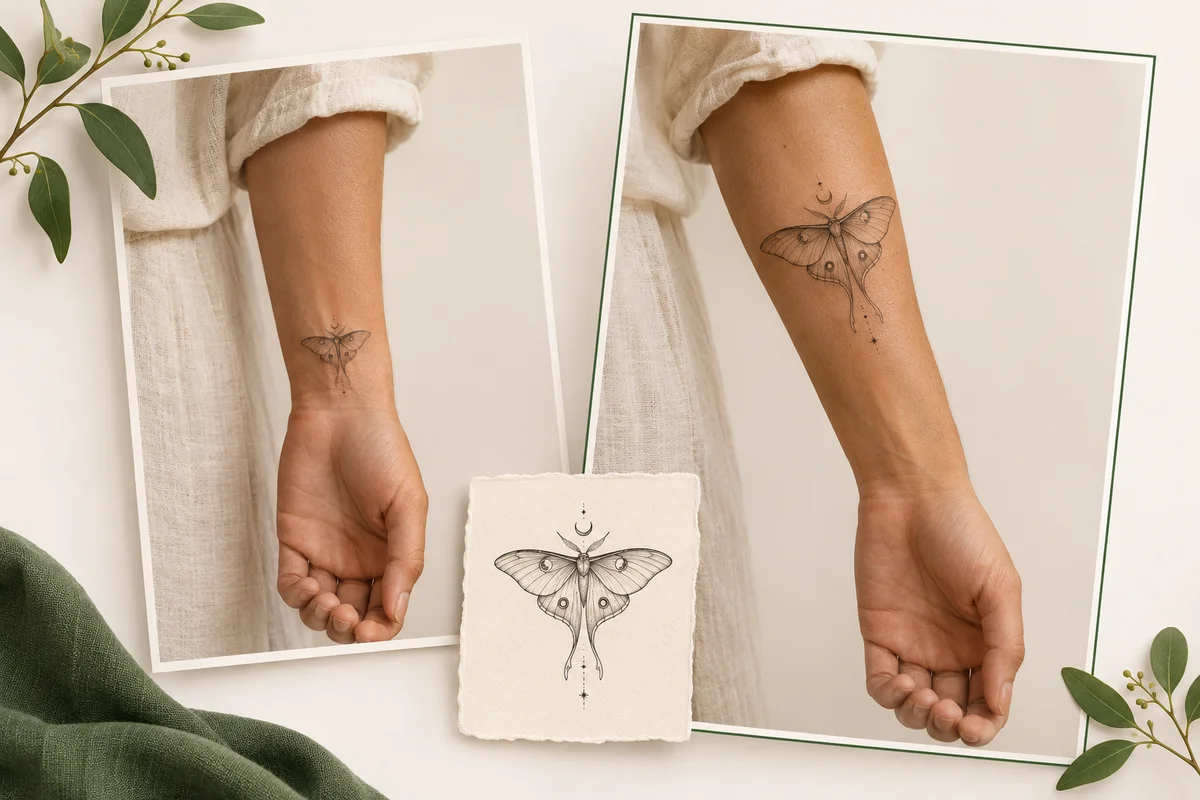
A moth tattoo previewed at two sizes and placements on a forearm
AI-generated concept illustration; results will vary.

Image to Tattoo Converter

A meaningful photo or a sketch can be the starting point for your tattoo. Upload it to the Image to Tattoo Converter and describe the details you want to explore. Develop tattoo-style interpretations of a pet photo, a personal drawing, or another reference you have permission to use.

  • Start with a photo, sketch, or artwork
  • Describe details you want to preserve
  • Explore different tattoo-style interpretations
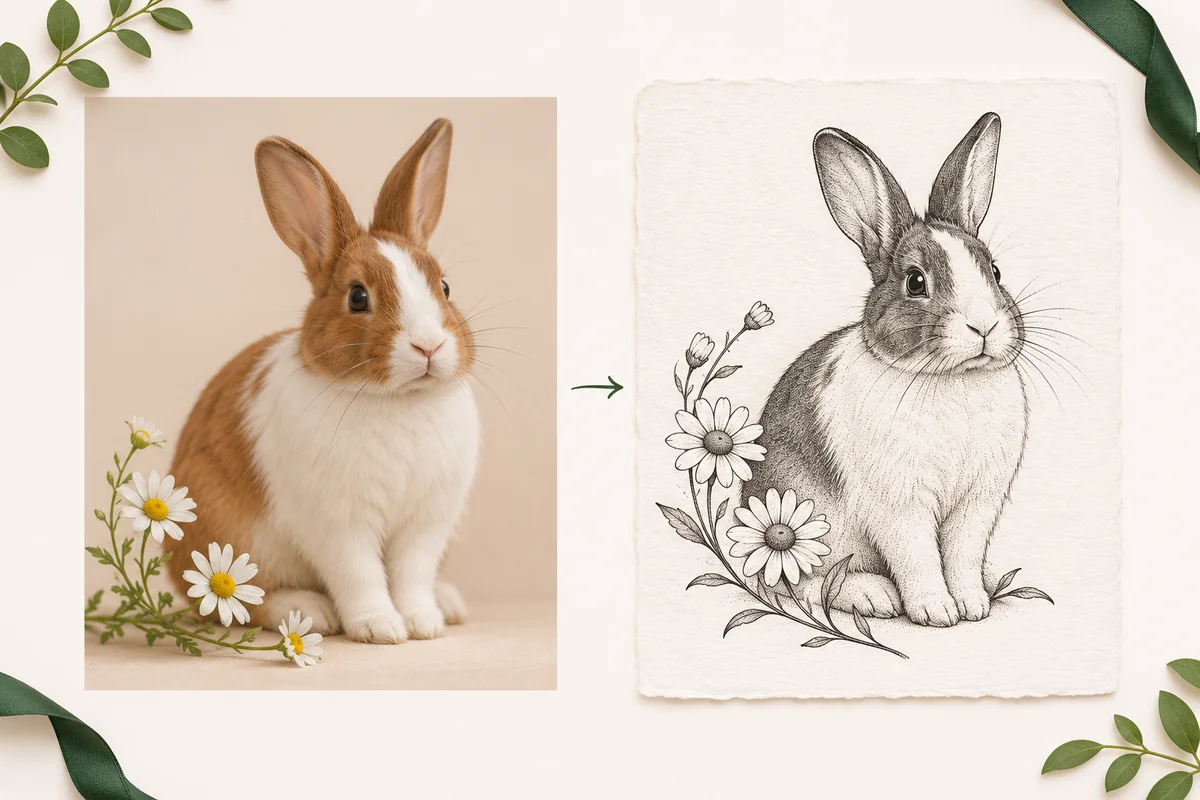
A rabbit photo reinterpreted as a fine-line tattoo design
AI-generated concept illustration; results will vary.

Tattoo Font Generator

Explore lettering for a name, a meaningful date, or words you want to keep close. The Tattoo Font Generator offers free Classic font previews alongside AI lettering. Compare cursive, Gothic, and other styles, then download your favorites to review their spelling and readability with your tattoo artist.

  • Explore names, quotes, and dates
  • Compare Classic fonts and AI lettering
  • Download your preferred lettering designs
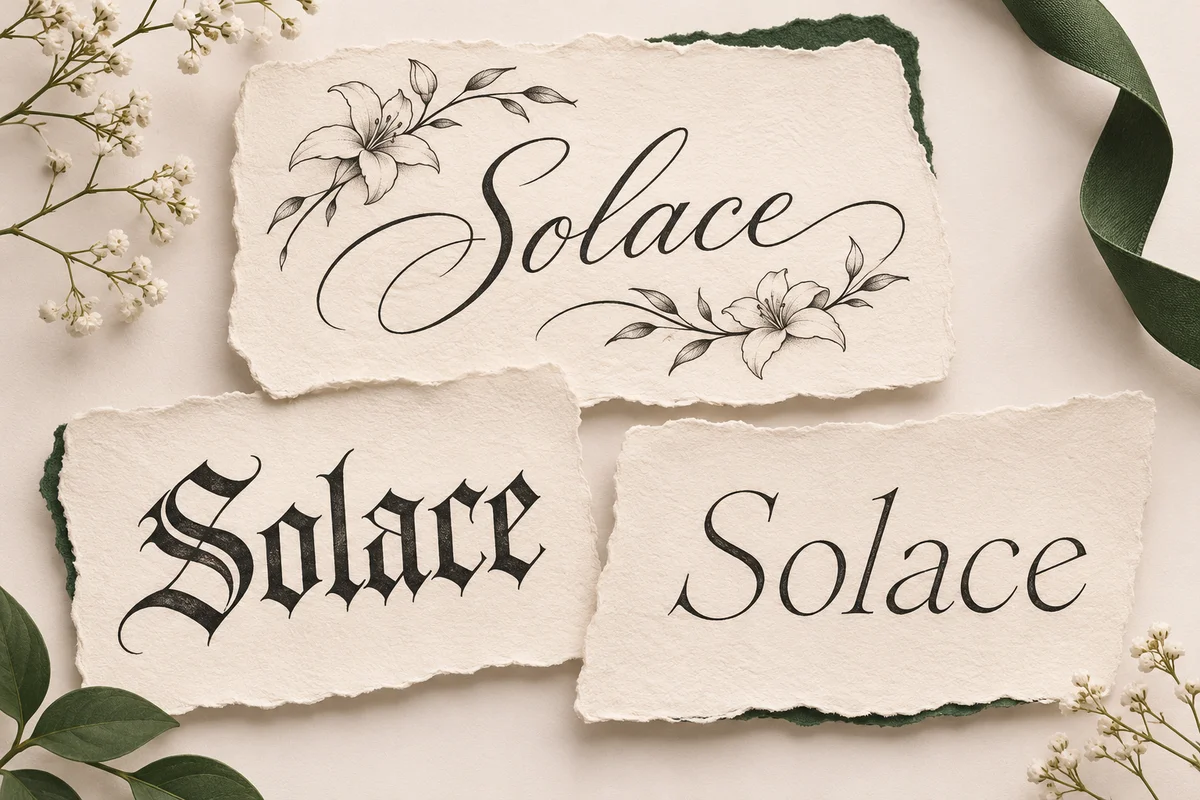
Solace lettering shown in cursive, Gothic, and serif styles
AI-generated concept illustration; results will vary.

Tattoo Stencil Maker

Explore the linework behind your tattoo design with the Tattoo Stencil Maker. Upload artwork and choose Outline or AI mode to create a stencil-style reference. Review the outlines and download a version your artist can assess for size, detail, and line clarity.

  • Convert artwork into stencil-style linework
  • Choose Outline or AI mode
  • Download a reference for artist review
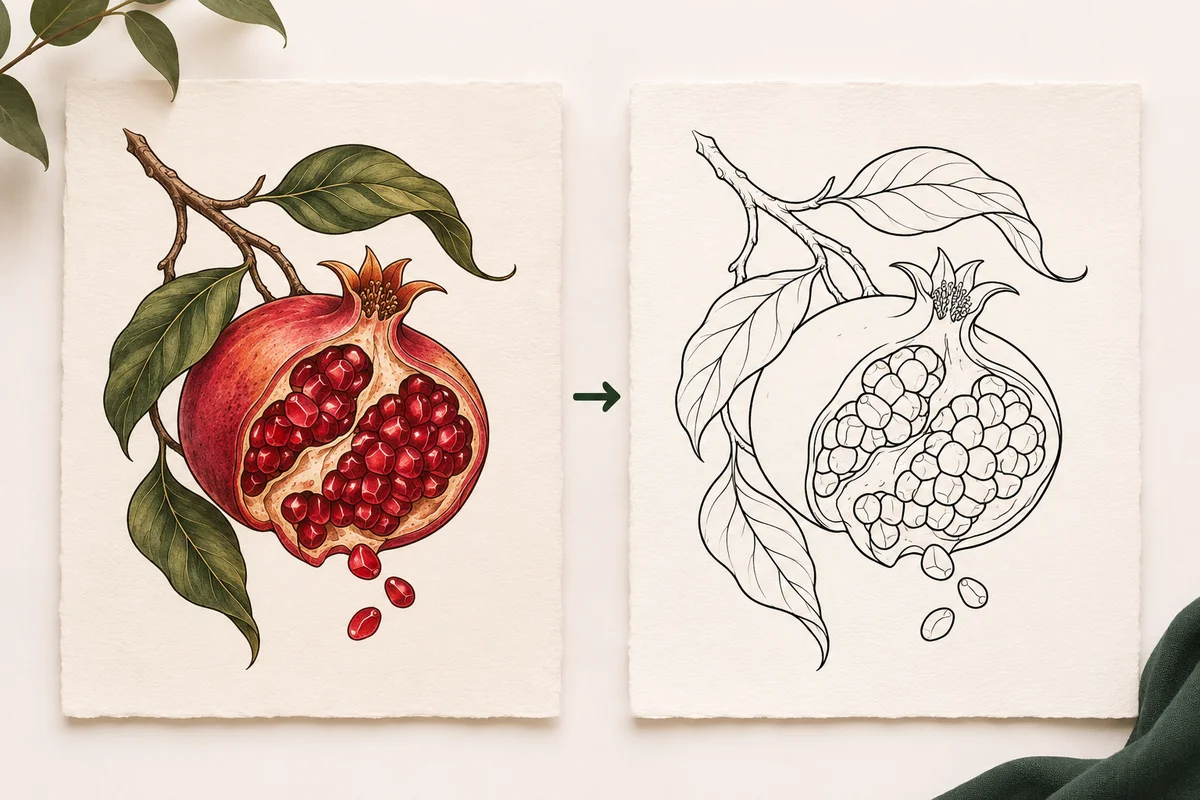
A colored pomegranate tattoo concept beside its outline stencil
AI-generated concept illustration; results will vary.

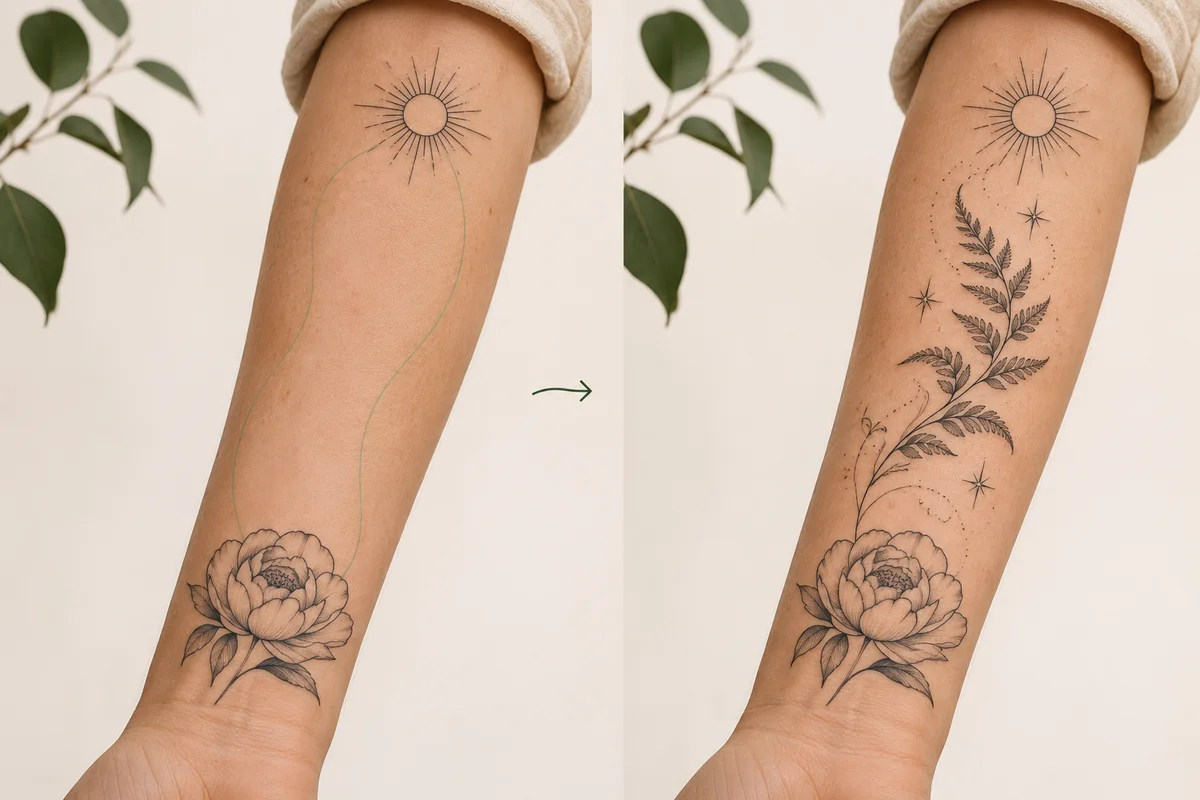
Tattoo Filler Generator

Explore ideas for the spaces between your tattoos. Draw a gap shape and choose a theme to guide the Tattoo Filler Generator. Compare floral, geometric, or other filler concepts as you plan how a new element could connect with your existing sleeve or patchwork collection.

  • Guide the design with a gap shape
  • Explore different filler themes
  • Develop ideas for sleeves and patchwork tattoos
A fern and dotwork concept filling a gap between existing tattoos
AI-generated concept illustration; results will vary.

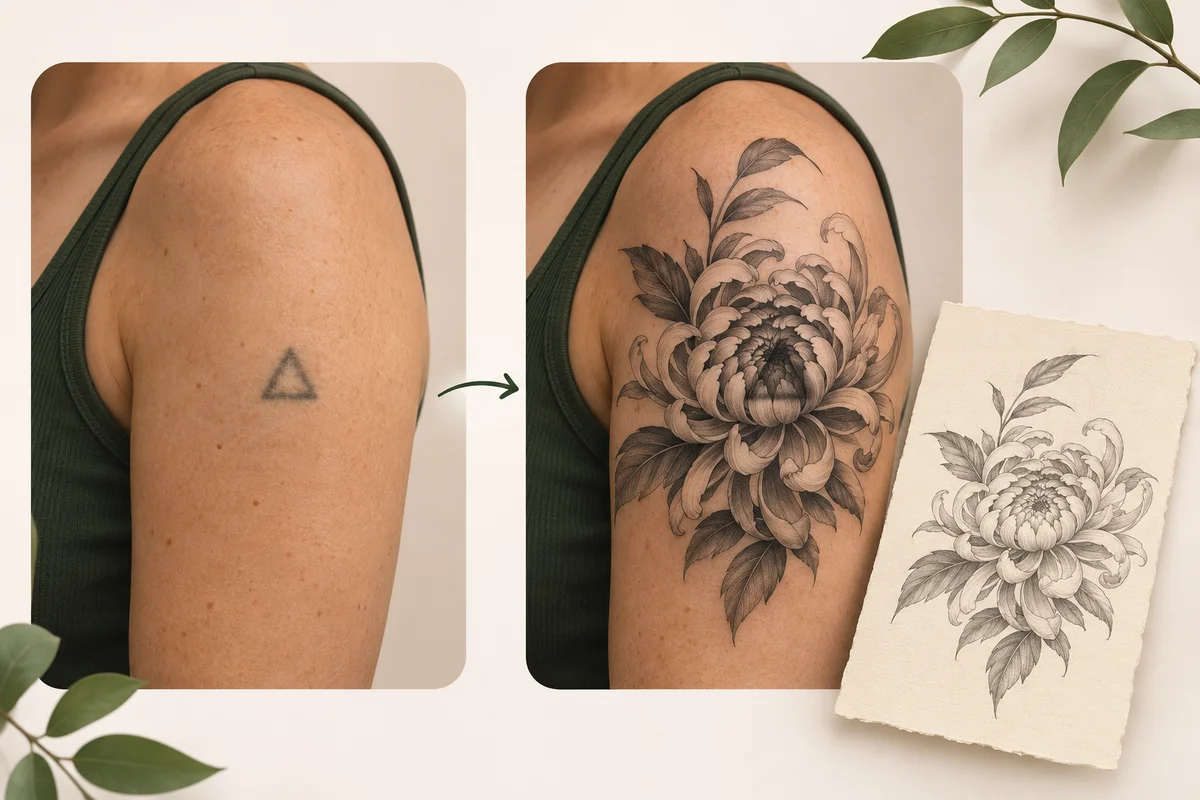
AI Tattoo Cover-Up Generator

Explore a new direction for a tattoo you want to change. Upload an existing tattoo photo to the AI Tattoo Cover-Up Generator and describe your preferences. Compare Full Cover or Rework & Extend concepts, then discuss your preferred ideas with an artist who can assess their suitability for the original tattoo.

  • Start with a photo of your existing tattoo
  • Explore Full Cover or Rework & Extend
  • Prepare concepts for an artist consultation
A faded triangle tattoo beside a chrysanthemum cover-up concept
AI-generated concept illustration; results will vary.

Explore Different Tattoo Styles to Find Your Match

Discover a range of tattoo styles, compare their visual details, and find a direction that suits your ideas and personal taste.

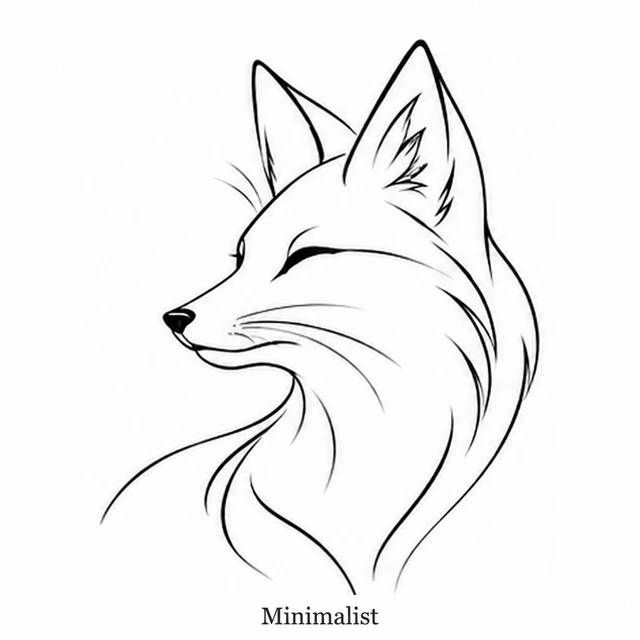
Minimalist tattoo style illustration
Minimalist
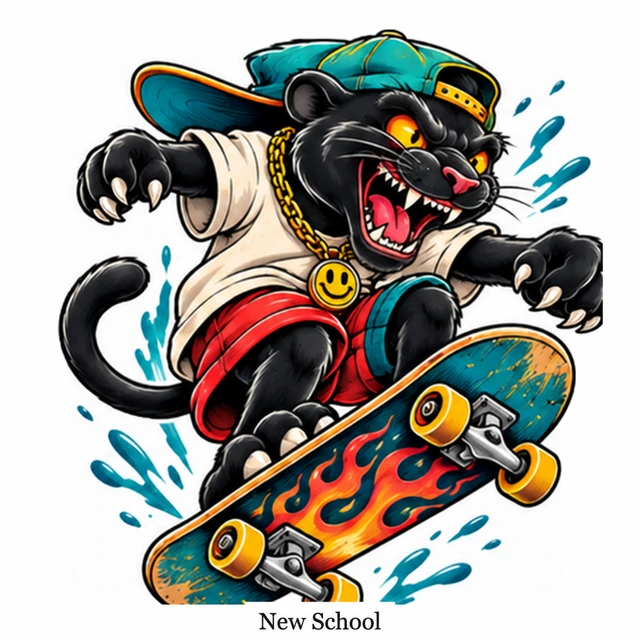
New School tattoo style illustration
New School
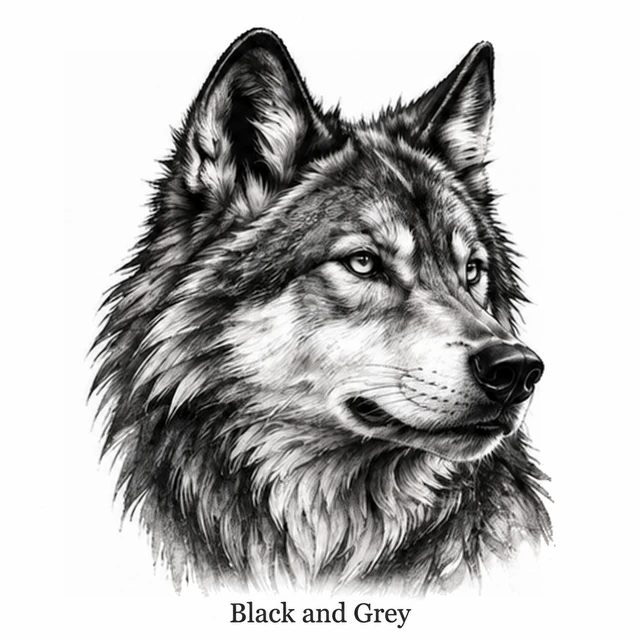
Black and Grey tattoo style illustration
Black and Grey
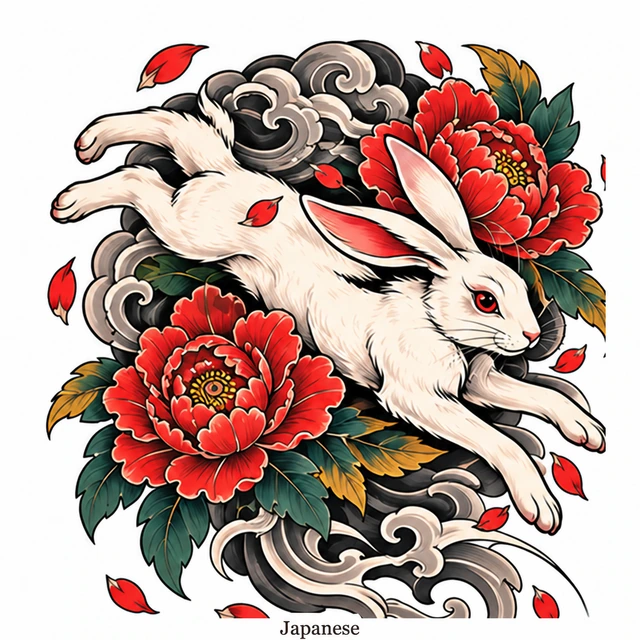
Japanese tattoo style illustration
Japanese
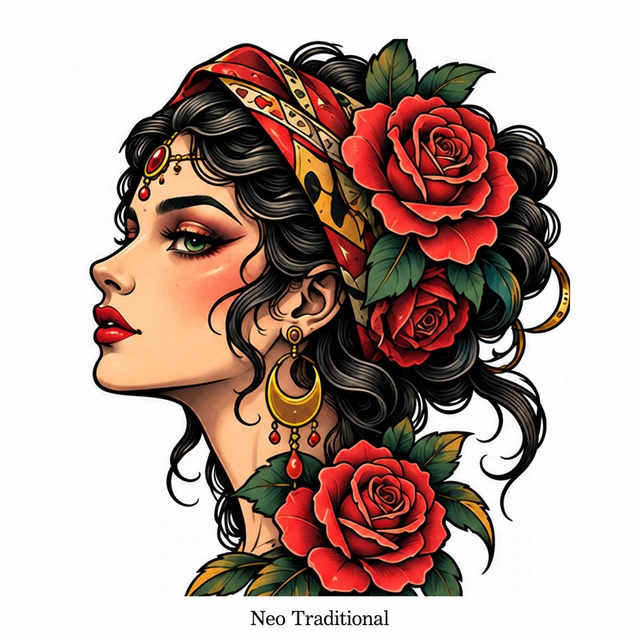
Neo Traditional tattoo style illustration
Neo Traditional
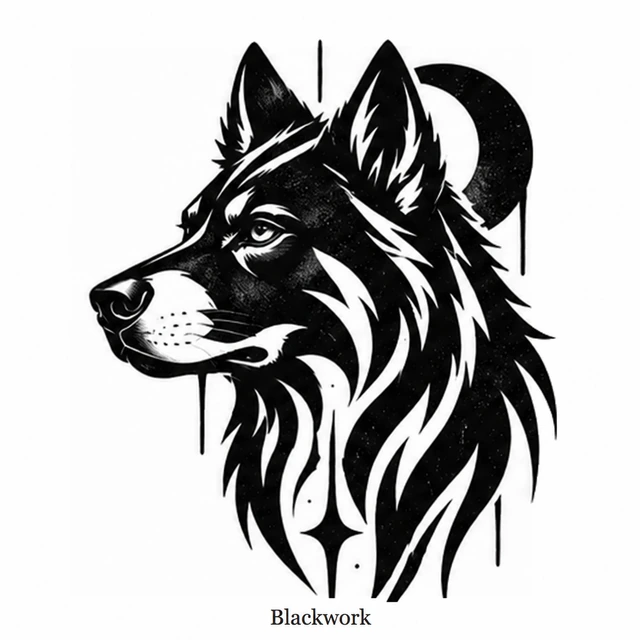
Blackwork tattoo style illustration
Blackwork
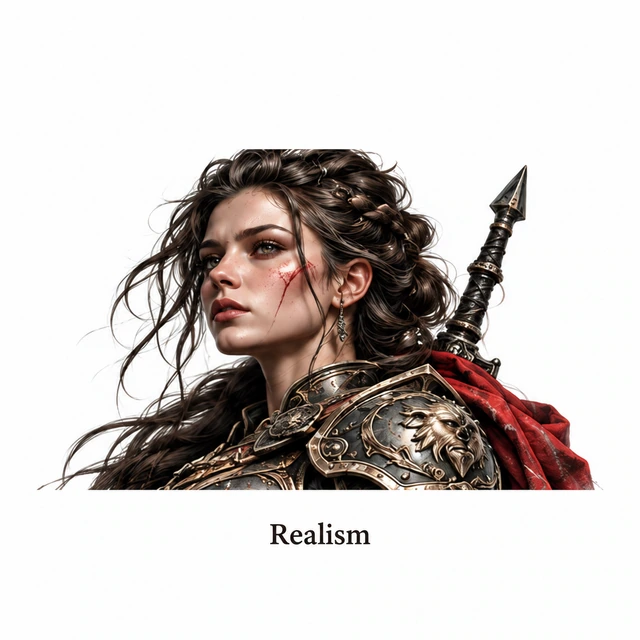
Realism tattoo style illustration
Realism
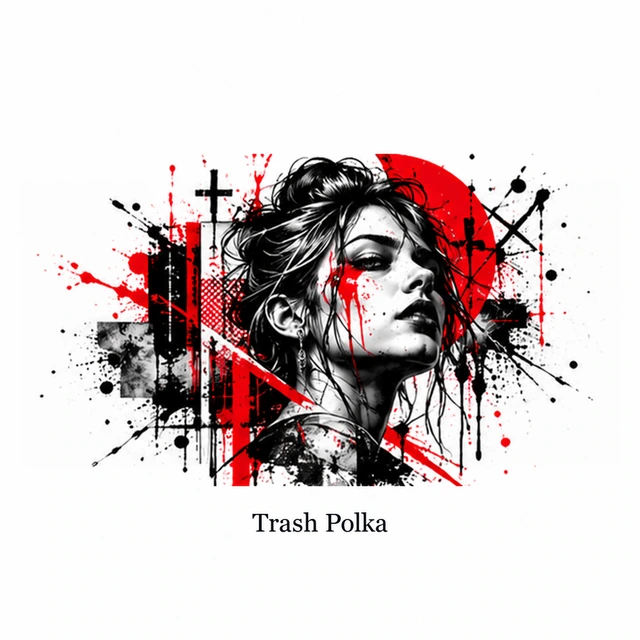
Trash Polka tattoo style illustration
Trash Polka
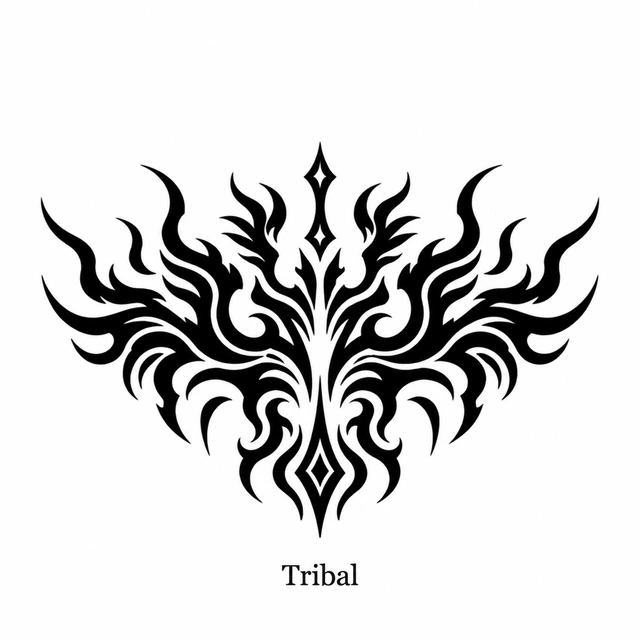
Tribal tattoo style illustration
Tribal
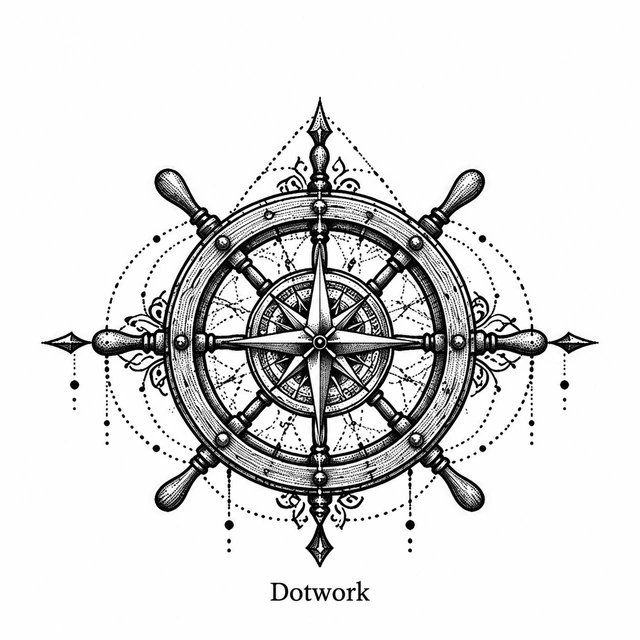
Dotwork tattoo style illustration
Dotwork
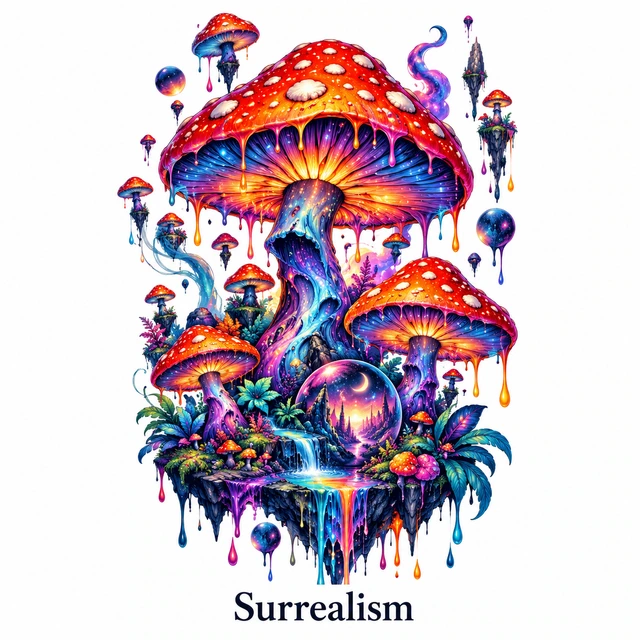
Surrealism tattoo style illustration
Surrealism
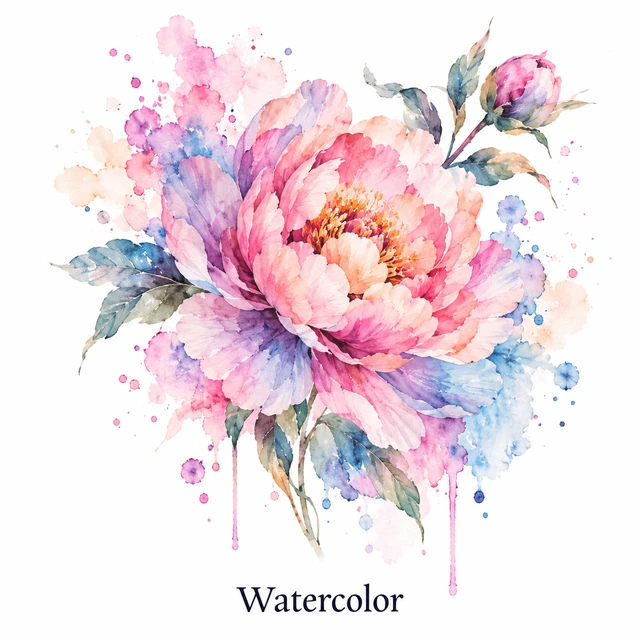
Watercolor tattoo style illustration
Watercolor

Why Create Your Tattoo with aitat.app?

Start with What You Have

Start with a written idea, a meaningful name, a photo, or an existing tattoo.

Design and Preview in One Place

Create a design, explore lettering, and preview placement using tools available on the same website.

Explore Your Options Before Getting Inked

Compare styles and placements, then bring your preferred concepts to a tattoo artist for discussion.

Tattoo Design and Preview FAQ

Is aitat.app a Free AI Tattoo Generator?

You can try AI tattoo generation with welcome credits. Eligible verified accounts receive 3 credits once, valid for 30 days. Generating a tattoo from text costs 1 credit per image. Classic font previews, Classic try-on, stencil Outline mode, and downloads of existing results are free. Additional AI use requires credits. View pricing.

What Can I Create with the AI Tattoo Generator?

Create tattoo concepts from descriptions of animals, flowers, symbols, meaningful memories, or other ideas. Describe the subject, choose a style, and add details about the composition you want. Use the AI Tattoo Generator to explore different interpretations of your idea.

Can I Create Tattoo Lettering or Name Tattoos?

Yes. The Tattoo Font Generator lets you explore names, quotes, and dates using Classic font previews or AI lettering. Compare different styles, then check the spelling and ask your tattoo artist to review readability at your intended size.

Can I Preview a Tattoo on My Body Before Getting Inked?

Yes. Use Virtual Tattoo Try-On to preview a design on your body photo. Classic mode lets you adjust its position, size, and angle, while AI mode generates a placement preview. Both help you explore placement before discussing it with your artist.

Can I Turn an Image into a Tattoo Design?

Yes. Upload a photo, sketch, or reference image to Image to Tattoo and describe the direction you want. You can explore tattoo concepts inspired by a pet, a meaningful photo, or your own artwork. Only upload images you have permission to use.

Can I Download My AI Tattoo Designs?

Yes. Download completed designs from the result actions or My Ink. Downloading an existing result does not use credits. You can keep the image as a reference, preview its placement, or share it with your tattoo artist to discuss the next steps.

Can I Edit a Tattoo Design I Already Generated?

Yes. Choose Remix from a generated result or My Ink, then describe the changes you want to explore. Remix uses your existing image as a reference to generate a new variation. Each Remix image costs 2 credits.

What Tattoo Styles Can I Explore?

Explore styles including Minimalist, Black and Grey, Japanese, Neo Traditional, Blackwork, Realism, Dotwork, and Watercolor. Compare different styles using the same idea to see which direction you prefer, then refine the details with your tattoo artist.

Do I Need Drawing Skills to Design My Own Tattoo?

No drawing skills are needed to get started. Describe your idea in words, enter a name or quote, or upload a reference image. The tools help you explore visual concepts that you can develop further with a tattoo artist.

Can I Turn My Tattoo Design into a Stencil?

Yes. The Tattoo Stencil Maker converts artwork into stencil-style linework using Outline or AI modes. Download the result as a reference for your artist, who can review its scale, line clarity, and details before preparing it for tattooing.

Can aitat.app Help with Tattoo Fillers or Cover-Up Ideas?

Yes. Use the Tattoo Filler Generator to explore ideas for a gap shape you draw. For an existing tattoo, use the Tattoo Cover-Up Generator to explore a new direction. A tattoo artist should assess whether a proposed cover-up can conceal the existing ink.

Does Tattoo Try-On Upload My Body Photo?

Classic try-on processes your body photo in your browser without uploading it. AI try-on uploads images for processing. Choose the mode that suits your needs, and read the Privacy Policy for details about image handling.