aitat.app

Loading tool…

✦ Tattoo to Stencil

Tattoo Stencil Maker for Clearer Linework References

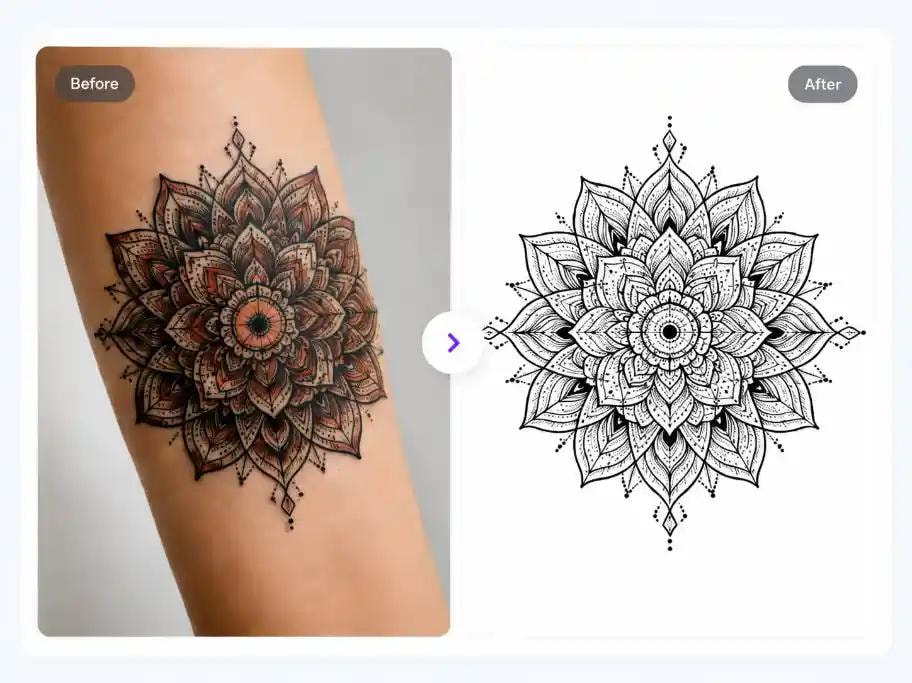
aitat.app Tattoo Stencil Maker converts artwork into a stencil-style linework reference. Use Outline mode for a free conversion or explore AI stencil modes, then have your artist check line clarity, missing details, and scale before preparing a transfer.

Convert Artwork to Linework
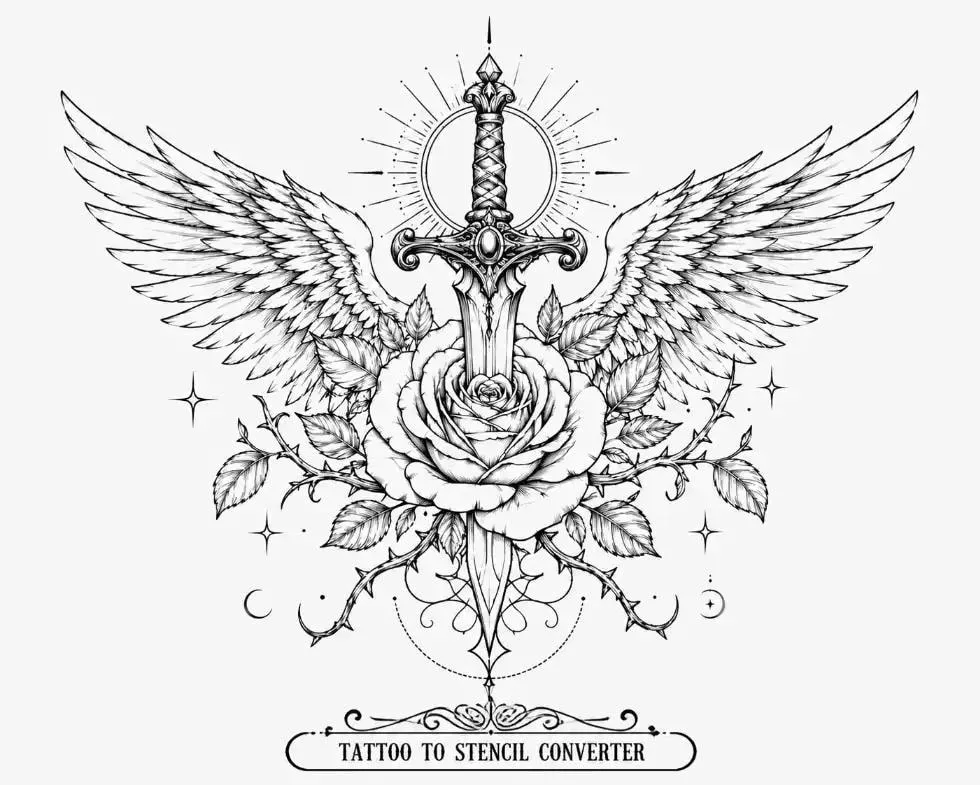
Winged sword and rose linework with small stars and a crescent moon

How do you prepare an image for stencil conversion?

Start with artwork in which the main shapes are easy to distinguish. Inspect the result for broken contours, merged lines, and details that disappear. A clearer source gives you a more useful reference to review.

Is Outline mode free?

Outline mode uses no credits. AI stencil modes use 2 credits per image. Neither mode guarantees a transfer-ready stencil; your artist should decide which lines and details to keep.

How to use this tool

  1. Upload the design you want to convert.
  2. Choose Outline mode or an available AI stencil mode.
  3. Inspect the linework with your artist before using it to prepare a stencil.

Check plans and credit expiry and read the privacy policy.

Questions about aitat.app

Is Outline mode free?

Outline mode uses no credits. AI stencil modes use 2 credits per image. The image is uploaded for processing in both cases. Your artist should review the lines and details before preparing a transfer.

Can it recover accurate lines from a blurry photo?

Blurring, glare, and occlusion can hide the original boundaries. AI may introduce details that differ from the source. Start with a clear image where possible and have your artist decide which lines to retain.

Is the converted stencil ready to tattoo?

The output is a linework reference. Check its scale, line clarity, and transfer method with your artist. Printing the image does not establish that it is suitable for tattooing.

Continue planning your tattoo

Bring a clearer reference to your artist

Compare the details you want to keep, then discuss size, linework, and placement.

Convert Artwork to Linework